
Locally AI: Run Powerful AI Models Directly on Your Computer
A simple way to use modern AI privately without relying on cloud services
What is Locally AI?
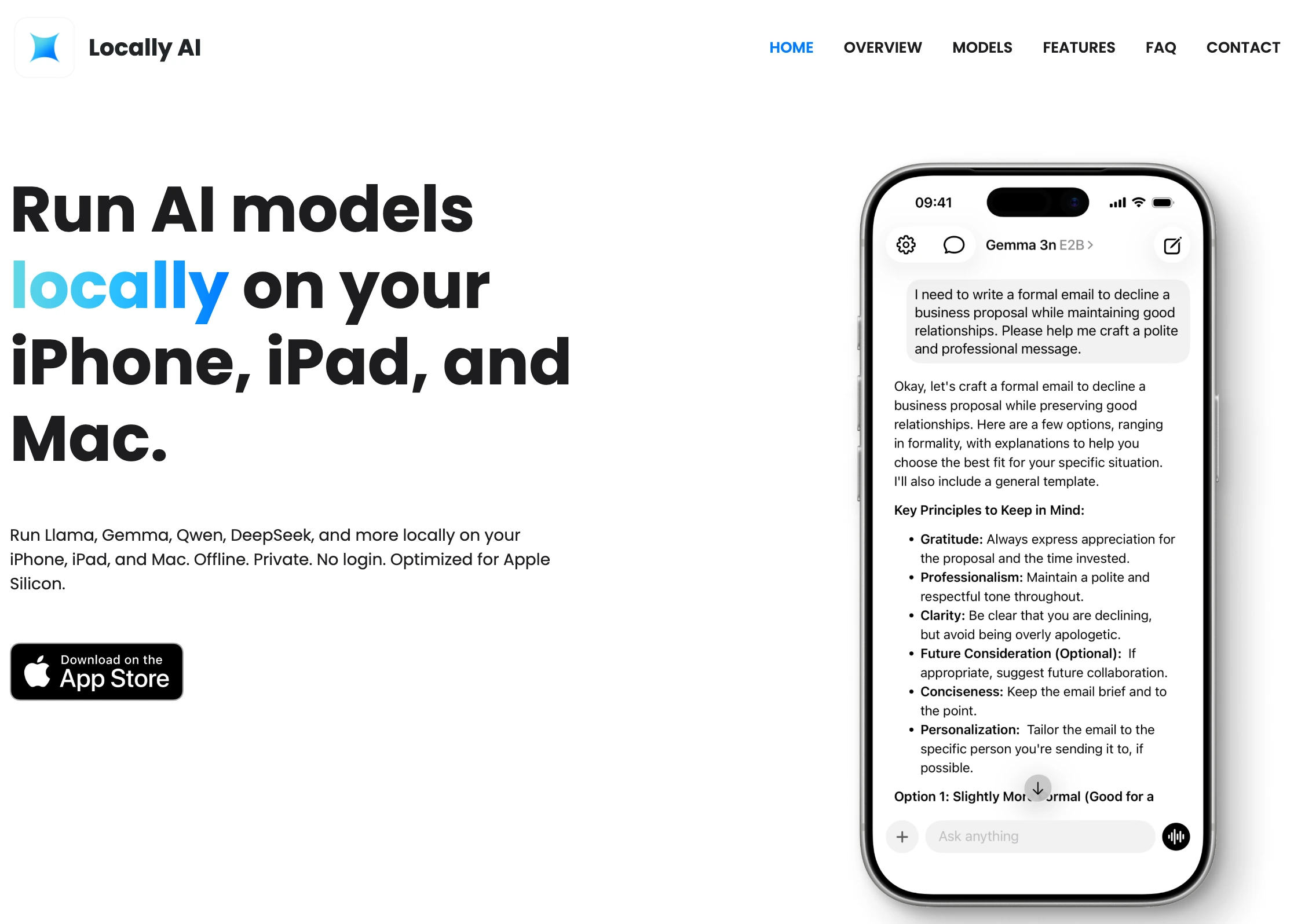
Locally AI is a modern desktop application designed to make running artificial intelligence models on your own computer simple and accessible. Instead of relying on cloud APIs or sending sensitive data to external servers, Locally AI allows users to run large language models and other AI tools directly on their local machines. This approach provides greater privacy, lower latency, and full control over your AI workflows. In recent years, AI has become deeply integrated into productivity tools, development environments, and creative workflows. However, most AI services require sending prompts and data to remote servers. For developers, businesses, and privacy-conscious users, this can be a major limitation. Locally AI addresses this issue by providing a streamlined interface that lets users download and run models locally with minimal setup.
Locally AI makes running AI models locally simple and intuitive.
Why Running AI Locally Matters
Running AI models locally has several major advantages. First, privacy becomes much easier to manage. When you use a cloud AI platform, your prompts and data must be transmitted over the internet and processed on remote servers. With Locally AI, everything stays on your device. This is particularly important for developers working with proprietary code, businesses handling confidential data, or researchers dealing with sensitive datasets. Another important benefit is speed. Local models remove network latency, meaning responses can feel faster and more responsive. Once a model is downloaded and optimized, interactions can be extremely smooth, especially on modern hardware equipped with GPUs or high-performance CPUs. Finally, local AI tools provide independence from API pricing and rate limits. Many developers have experienced sudden increases in API costs or strict usage limits. Running models locally allows experimentation and heavy usage without worrying about per-token fees.
Key Features of Locally AI
Locally AI focuses on simplicity while still supporting powerful AI capabilities. The platform offers an easy installation process and a clean user interface, making it accessible even for users who are not machine learning experts. One of its key strengths is model management. Users can browse, download, and run supported AI models directly inside the application. This removes the need for complex command-line setups or manual configuration. The application is also designed to work well for developers and technical users. It can serve as a local AI environment for testing prompts, building AI-powered tools, or integrating models into personal workflows. Because the models run locally, developers can experiment freely without worrying about API usage limits. Additionally, Locally AI can become a central hub for AI experimentation. Instead of juggling multiple scripts, frameworks, and model downloads, users can manage everything within one streamlined interface.
Locally AI makes powerful AI tools private, fast, and accessible by bringing them directly to your own computer.
Who Should Use Locally AI?
Locally AI is suitable for a wide range of users. Developers can use it to prototype AI applications without paying for cloud inference. Content creators can experiment with local AI writing assistants or creative tools. Researchers and students can run models for learning and experimentation. And privacy-focused users can finally explore AI without sending personal data to external services. As the ecosystem of open-source AI models continues to grow, tools like Locally AI will play an increasingly important role. They bridge the gap between powerful machine learning models and everyday users by removing the complexity typically associated with local AI setups.
Original Link
Visit Locally AIExplore the official website to download the app and start running AI locally.
Source URL
https://locallyai.app/